Wireless Presentation
& Conferencing in just
3 Seconds!

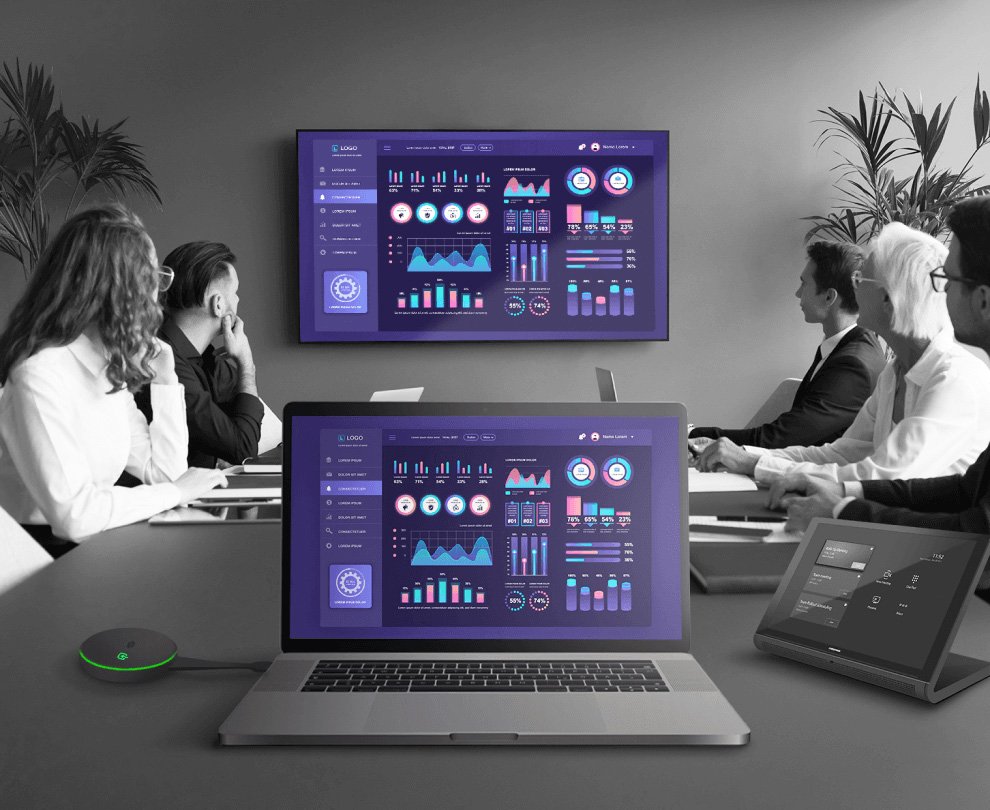
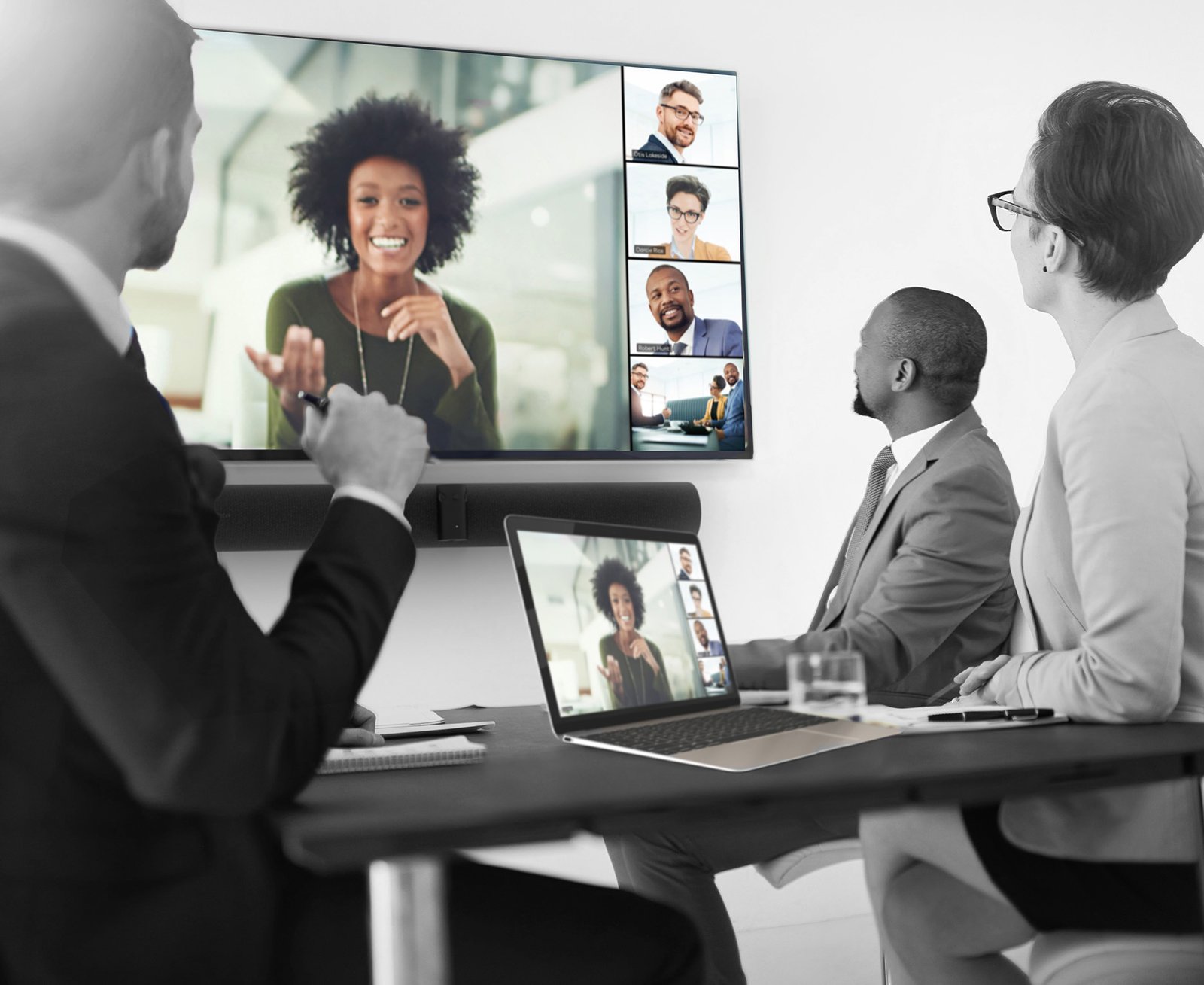
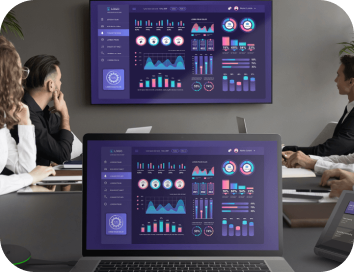
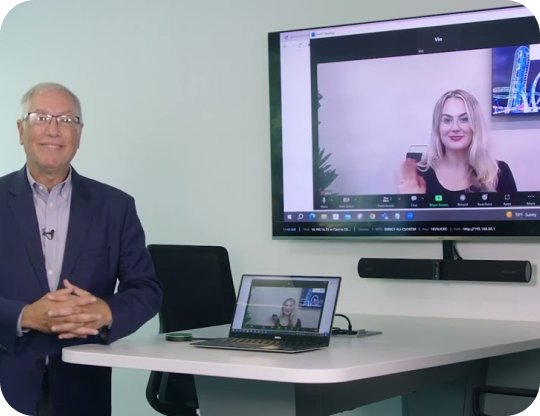
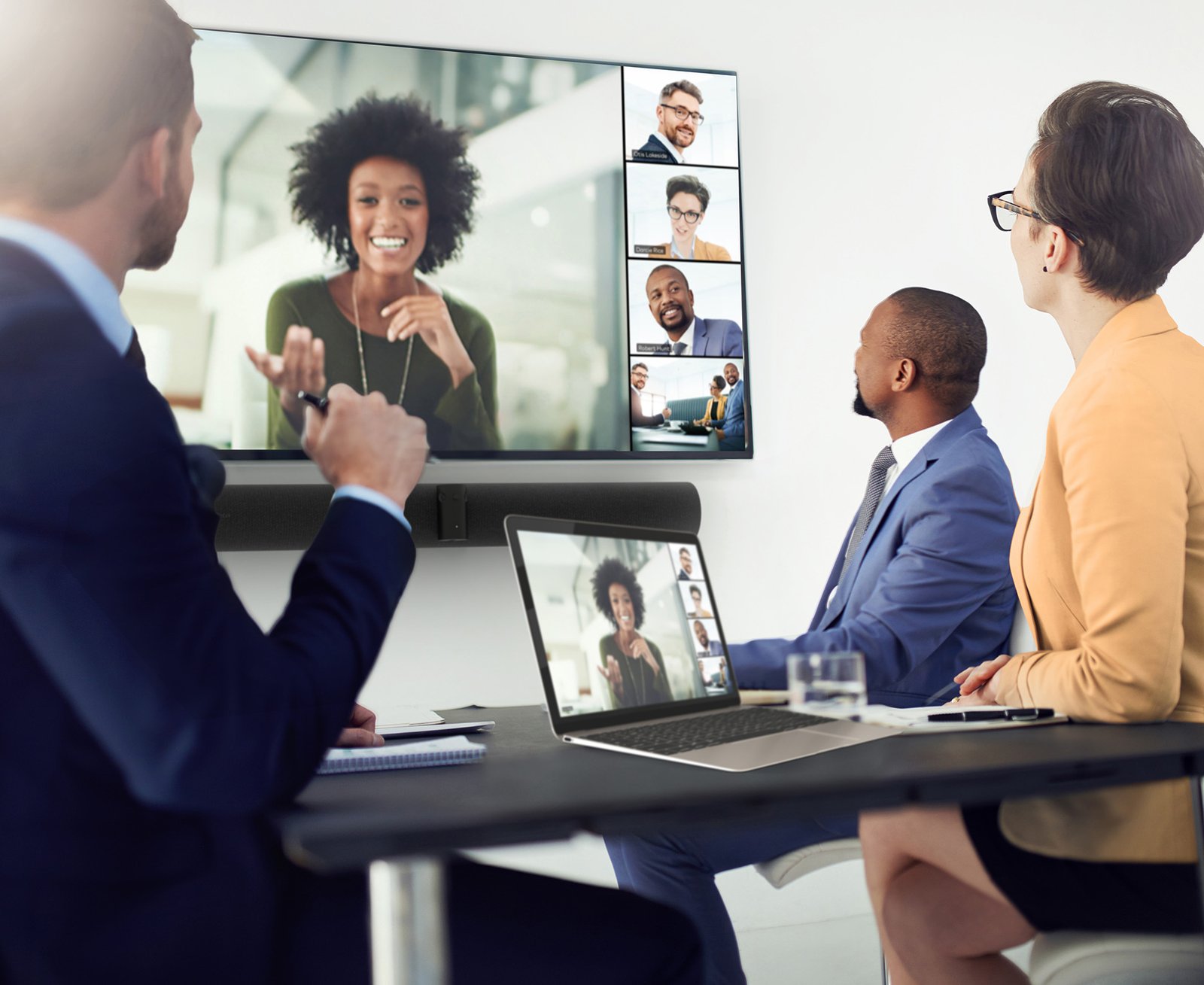
Plug in and present instantly. Join Microsoft Teams, Zoom, or Cisco Webex and seamlessly leverage in-room peripherals for a unified, high-quality collaboration experience.


BOOK A DEMO

Our Trusted Clients Across India

Aditya Birla Group
ISRO
Cipla
ONGC
IIT Indore
HDFC Bank
Chevron
Capgemini
NSE
Aditya Birla Group
ISRO
Cipla
ONGC
IIT Indore
HDFC Bank
Chevron
Capgemini
NSE

Why AirMedia Logo ?

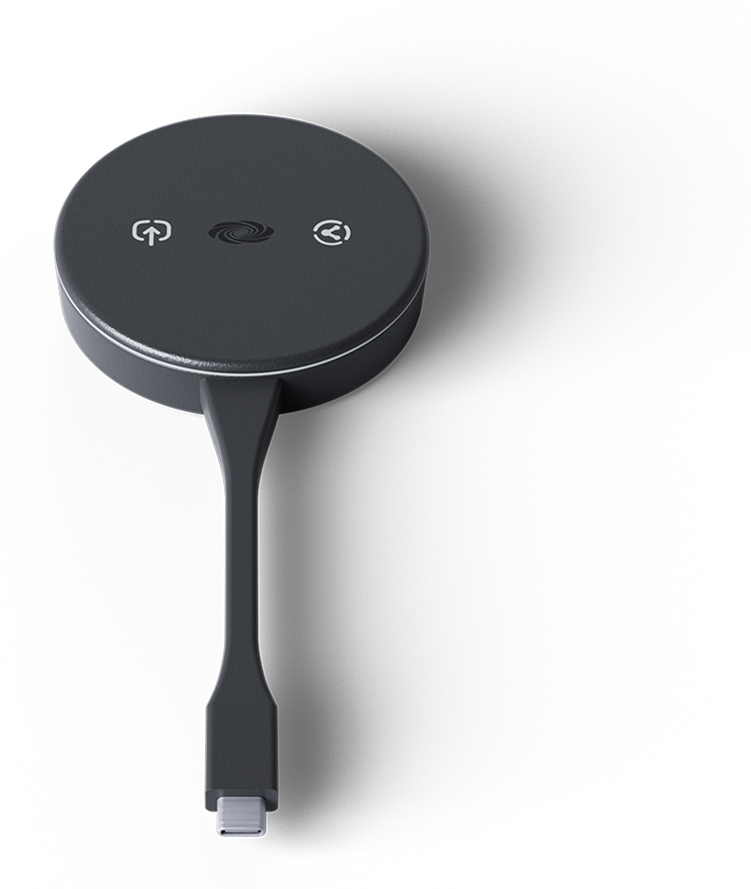
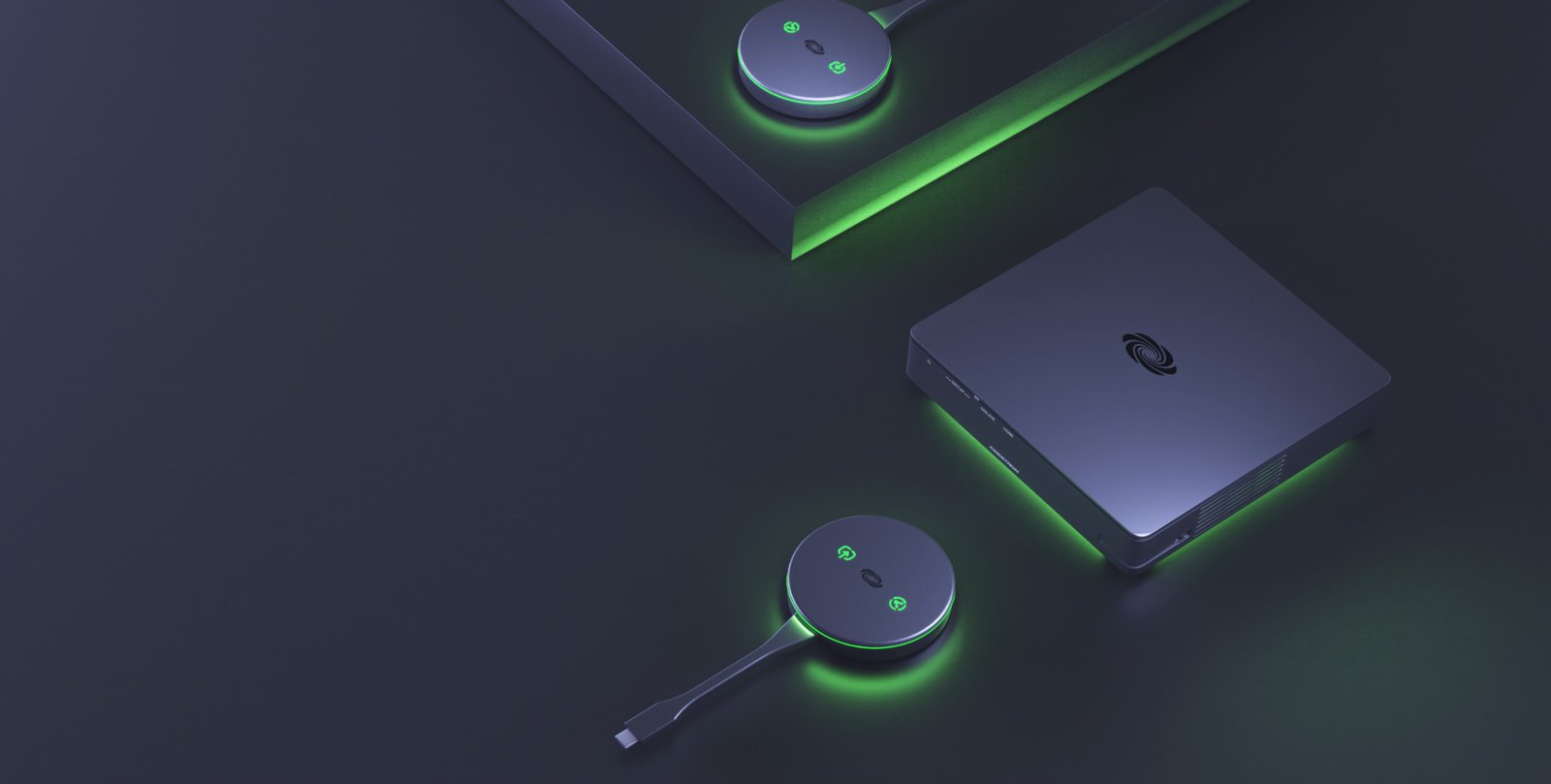
AirMedia Device
01

Plug → Present

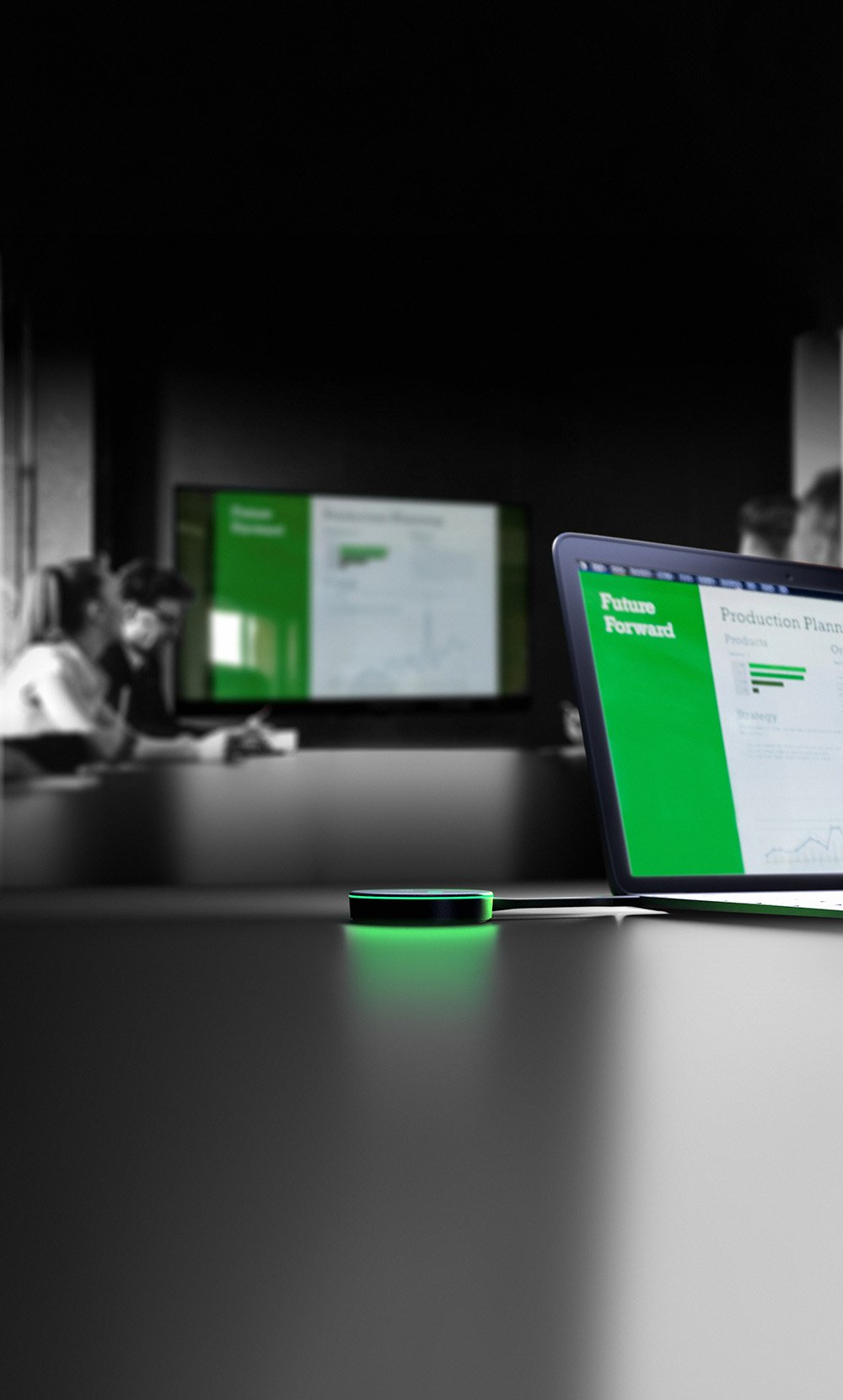
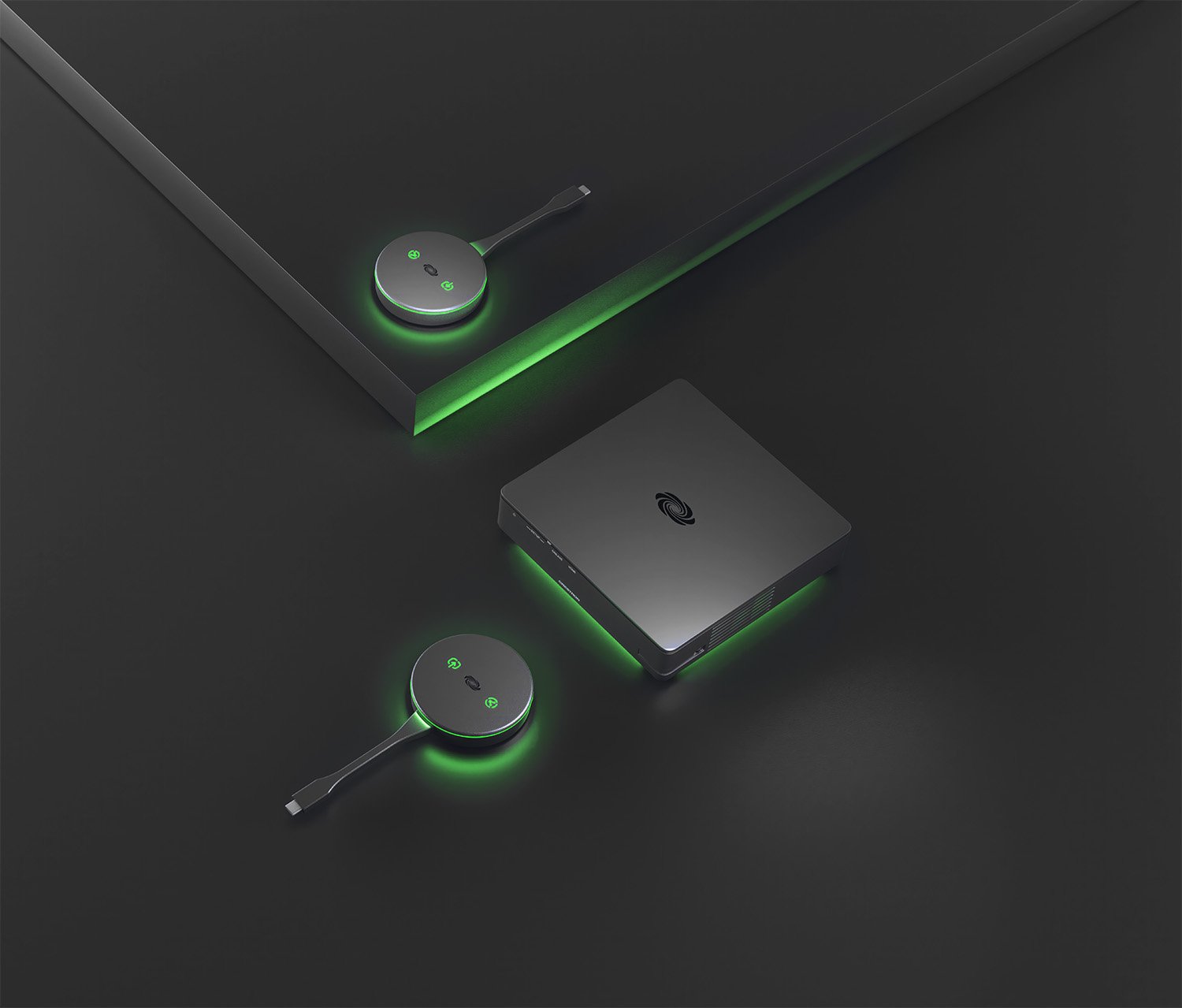
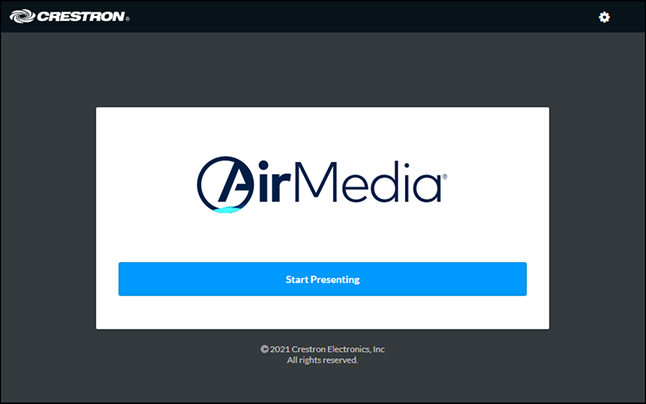
Start presenting within seconds. No cables or software installations. Just connect and share from any device with ease.

02

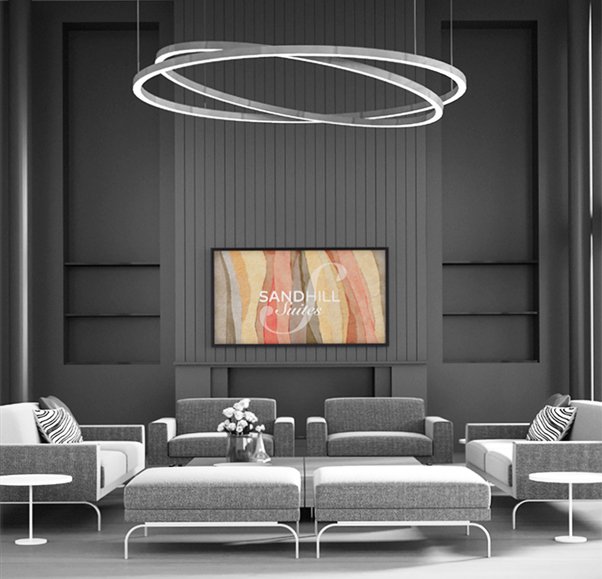
Smart Digital Signage

When not in use for meetings, AirMedia transforms displays into intelligent digital signage hubs for real-time room availability, branded visuals, or campus-wide announcements.

03

Driverless Connectivity

AirMedia eliminates the need for software downloads or drivers. Present wirelessly from any device, whether a laptop, tablet, or smartphone, with complete ease and reliability.

04

Wireless Web Conferencing

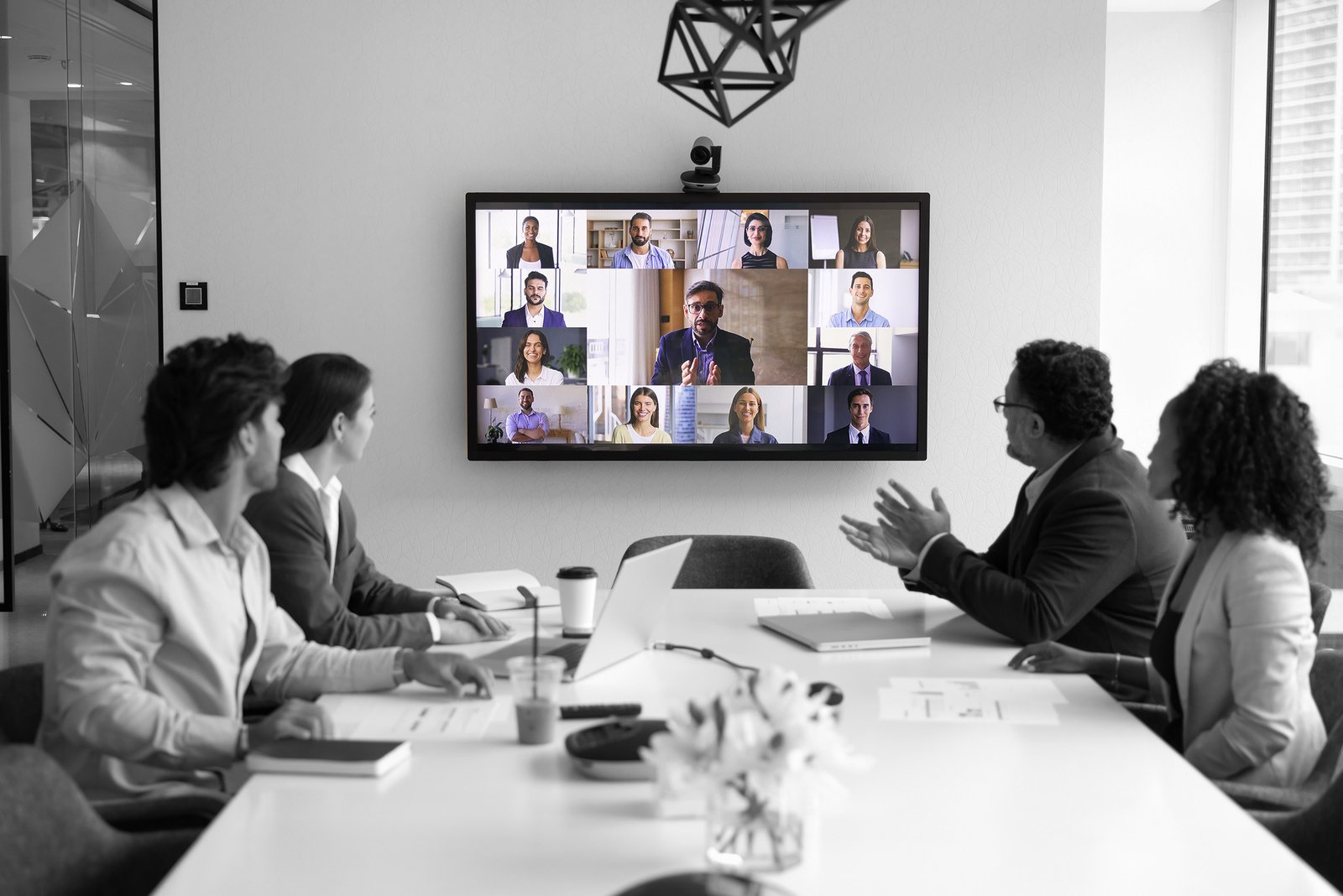
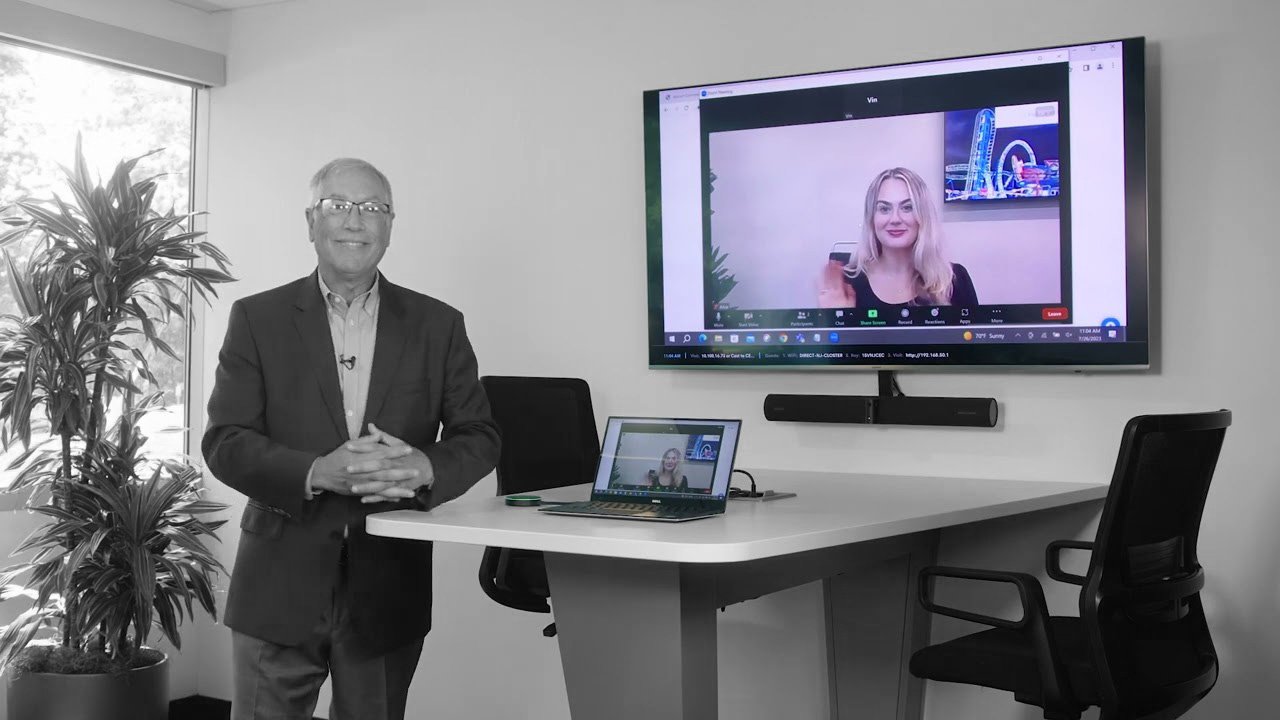
Host web conferences without cables or complicated setups. AirMedia® delivers smooth, high-quality audio and video performance, fully compatible with popular UC platforms.

05

Hybrid Wireless Connectivity

With the AirMedia® Adaptor, you can connect in both wired and wireless modes. Perfect for hybrid work environments where flexibility and simplicity matter most.

06

USB-C & 4K Connectivity

The AirMedia® TX3 supports USB-C input with 4K30 resolution, ensuring crystal-clear visuals and true-to-life color for impactful presentations every time.

07

Multi Source Collaboration

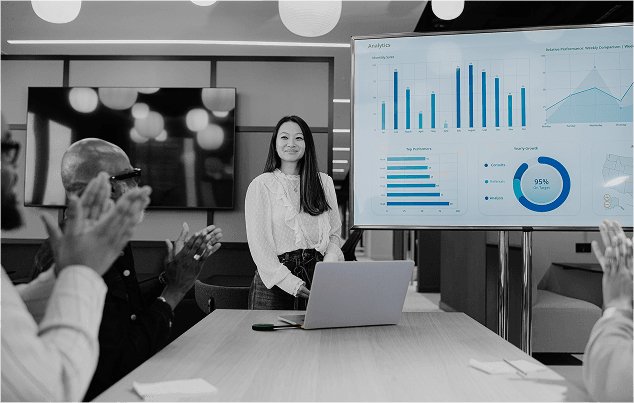
Present up to four devices simultaneously on a single display. Compare content, brainstorm ideas, and collaborate in real time, all wirelessly.

08

Enterprise Grade Security

AirMedia offers advanced encryption, network authentication, and IT friendly controls, keeping every connection safe and compliant.

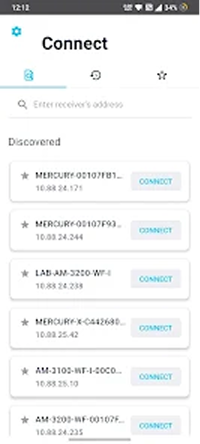
Mobile, Tablet, or PC. Share seamlessly via any device.

Applications

Meeting Rooms MEETING ROOMS
Cabins CABINS
Huddle Room HUDDLE ROOM

AirMedia® offers best-in-class performance across the board

AirMedia
AM-3200
Swipe to compare
Features AirMedia
AirMedia

Begin your AirMedia®
experience with just one click

See AirMedia® live in action inside your rooms, working on your existing systems.

BOOK A DEMO

Try AirMedia® free for 15 days before you choose to buy. No upfront payment, no questions asked.

TRY & BUY

Exchange your old device for a brand new AirMedia® at a lucrative discount.

UPGRADE

FAQs

1. What is Crestron AirMedia?
Crestron AirMedia is a wireless presentation solution that lets you share content from laptops, smartphones, and tablets to a room display without cables or adapters.
2. Which devices and operating systems are supported for Wireless Presentation with Crestron Airmedia?
AirMedia supports Windows, macOS, iOS, Android, and Chromebooks.
3. Do I need to install software to present wirelessly?
Not always. AirMedia works with native casting methods like AirPlay and Miracast. You can also use the AirMedia app for additional features. In fact, it is plug and play when connected through the AirMedia Connect Adaptor or AirMedia Connect Endpoint.
4. Can guests connect without being on the company network?
Yes, AirMedia supports guest access options with guest internet connectivity, depending on your network setup and security policies.
5. How many users can share content at the same time?
Up to four users can present simultaneously in a split-screen view.
6. Is the connection secure and encrypted?
Yes. AirMedia uses enterprise-grade encryption and supports secure login codes.
7. Can I customize the welcome screen with my company branding?
Yes. You can add your logo, background, connection instructions, room calendar, and helpdesk information.
8. Can AirMedia be integrated with existing AV systems?
Yes. AirMedia connects easily with Crestron control systems, room scheduling panels, and other AV solutions.
9. Does AirMedia support 4K video streaming?
Yes, supported models deliver 4K quality at 30 fps for crisp video playback.
10. Can a moderator control who presents on screen?
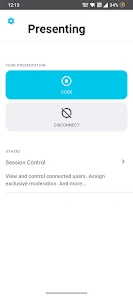
Yes, A moderator can manage presenters and switch between multiple users.
Book Demo